

My Office Adventures
Screenshots

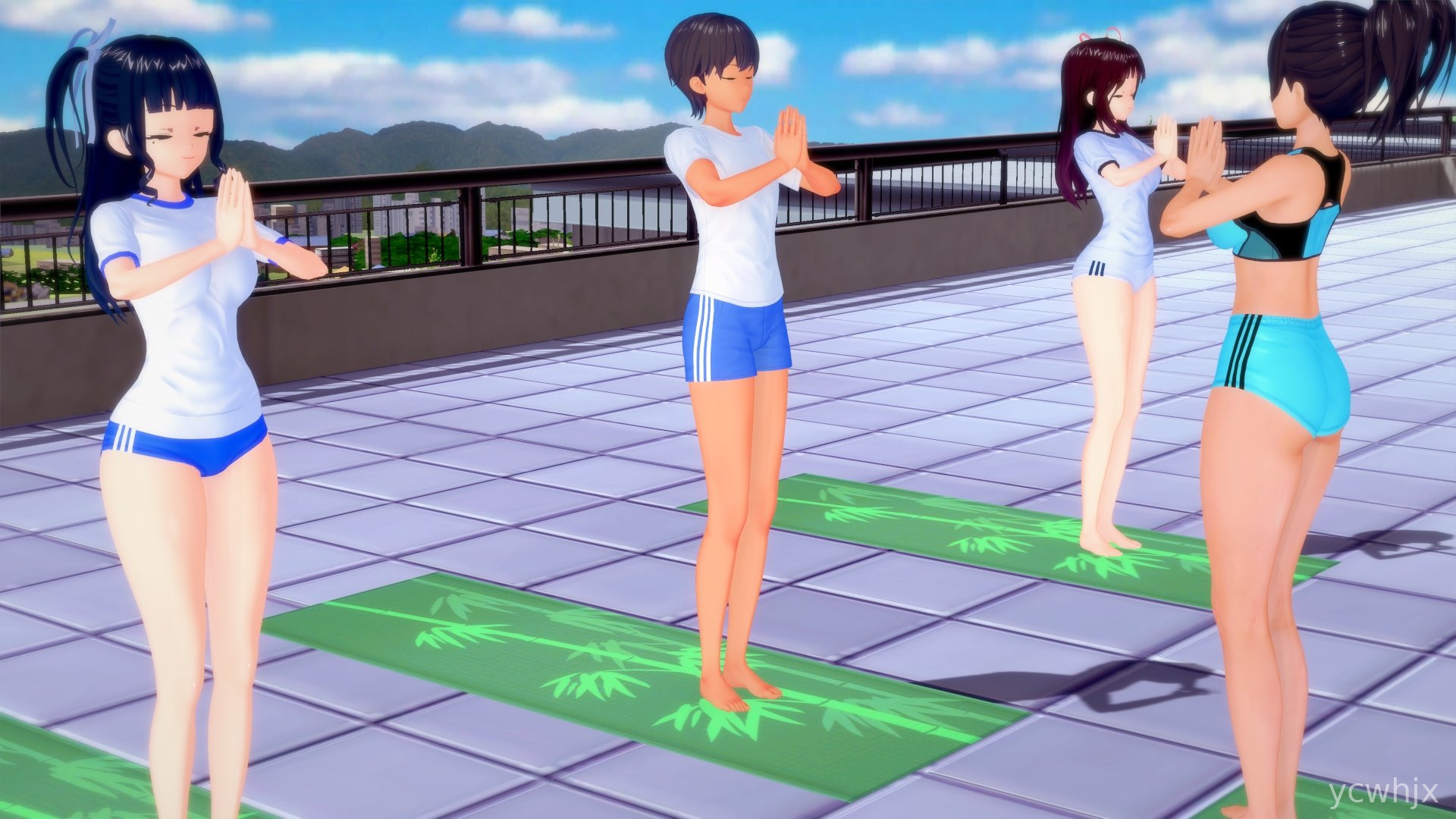
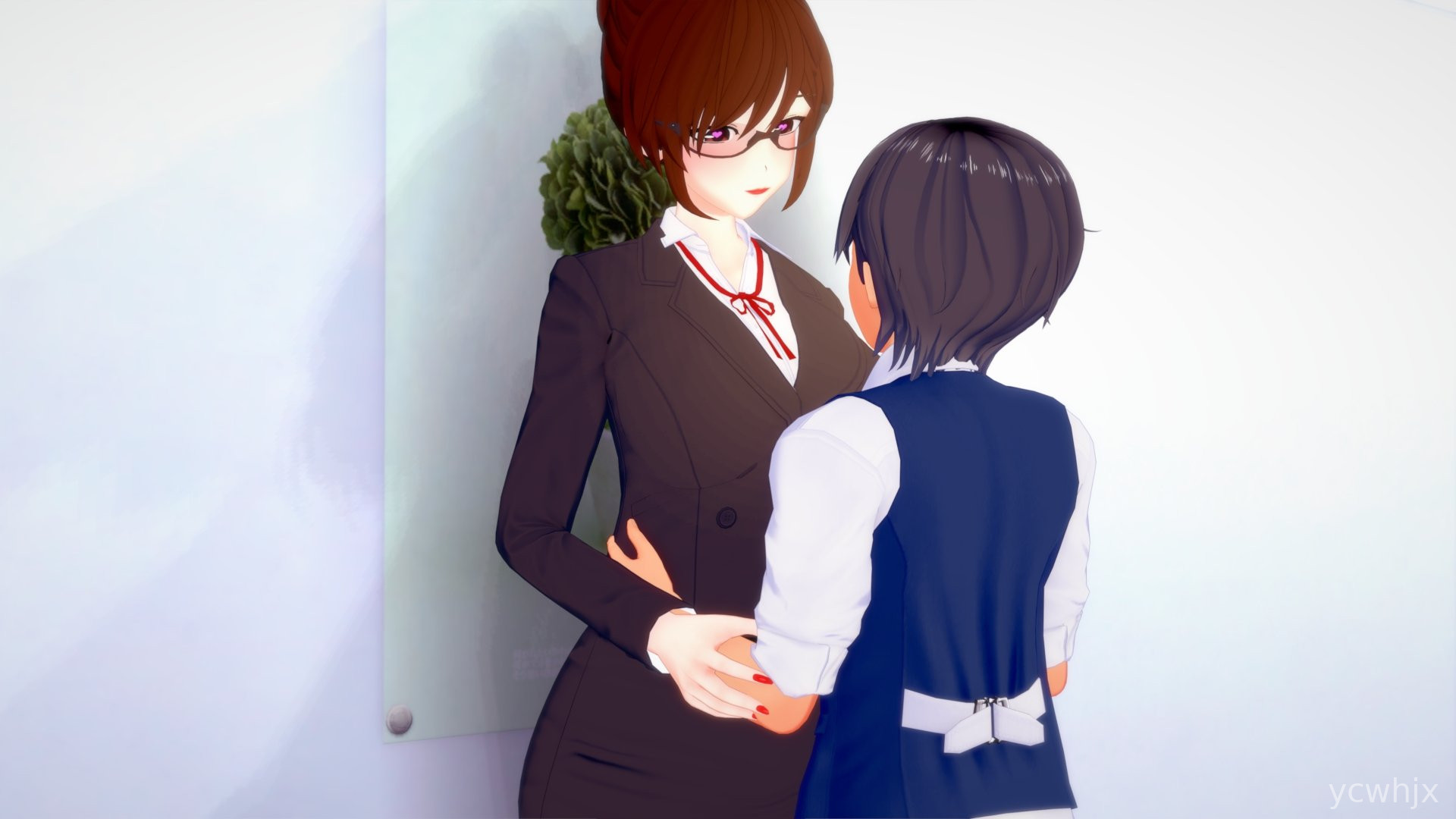
My Office Adventures Game
Long days at a desk can drag, and sometimes a quick distraction that still feels familiar to office life helps reset your head. That is where My Office Adventures comes in, turning everyday workplace moments into a light simulation you can tap through on your phone.
Most people will open it during a commute, at lunch, or between meetings to play a few short rounds of office scenarios without needing heavy focus or long sessions. The pace is relaxed, and the situations feel like a playful take on what many people already deal with at work.
My Office Adventures Game Features
Office scenarios → Take on small tasks like replying to emails, organizing files, or handling a surprise meeting in a game-style format.
Character choices → Shape your office persona with different reactions, from helpful coworker to laid-back employee.
Task progression → Move through a workday structure, clearing one mini-task after another as the in-game clock moves forward.
Simple controls → Tap and choose actions without needing complicated gestures, so it works fine even on smaller screens.
Short session design → Play for just a few minutes at a time without losing track of what you were doing.
My Office Adventures Game Highlights
Usually the game keeps things light, focusing on everyday office humor instead of serious management mechanics.
Often the scenarios feel familiar enough that they are funny on their own, like juggling chat messages while a meeting runs.
Just the visual style and pacing make it easy to relax, even when the in-game tasks seem rushed.
Sometimes older phones may show small slowdowns when many animated elements appear on screen at once, but most basic devices handle it.
Generally the learning curve stays low, so even casual players who rarely play simulation games can settle in quickly.
My Office Adventures Gameplay
1. Start your workday: Begin with a simple office layout and a character at their desk, ready to face the in-game schedule.
2. Choose task responses: Tap on prompts like emails, messages, or coworkers and pick how your character reacts to each one.
3. Balance priorities: Decide whether to clear urgent tasks first or deal with small distractions that pop up around the office.
4. Watch outcomes: See how your choices affect coworkers, task lists, and how smoothly the rest of the in-game day unfolds.
5. Repeat short runs: Finish a simulated day, then start another run to try different approaches or reactions for new results.
My Office Adventures Conclusion
My Office Adventures suits players who want something casual that still feels grounded in real work life. The short, scenario-based structure makes it easy to play in small breaks, and the focus on simple decisions over complex systems keeps the game approachable. It works best for people who enjoy light simulation, office humor, and quick sessions rather than long, intense gaming marathons.










No comments yet. Be the first to share your thoughts!